How to Change Clothes in Photos Using AI — Step by Step Guide
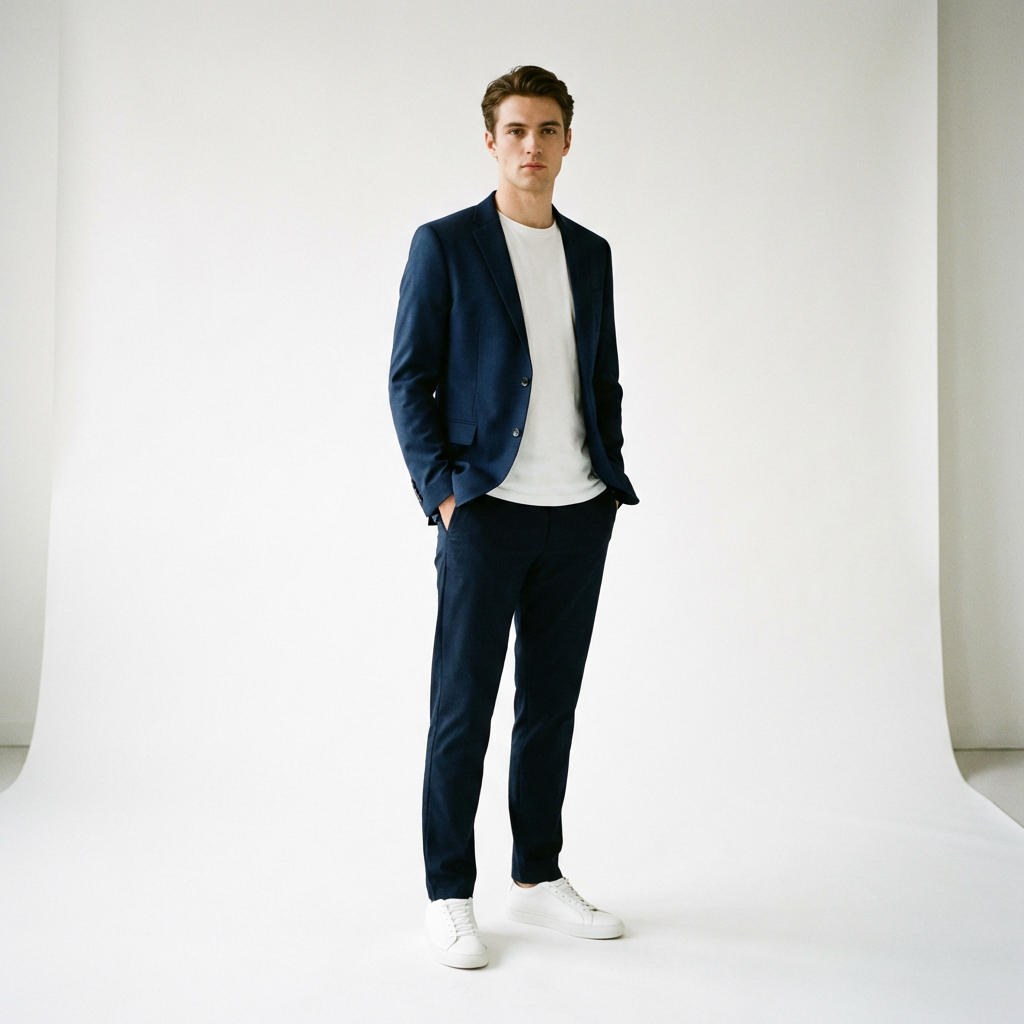
You can change clothes in any photo using AI — no Photoshop or design skills needed. Upload your photo, choose new clothes (image or text description), and get a realistic result in under 90 seconds. Free with Looksy AI.
Need to change clothes in a photo but don't have Photoshop skills? AI makes it possible for anyone. Whether you want to swap your outfit for a social media post, see how new clothes look before buying, or create multiple outfit variations from one photo — AI handles the entire process automatically.
Here's exactly how to do it, step by step.
5 Steps to Change Clothes in Any Photo
1Open Looksy AI
Visit looksyai.in in any web browser. Works on phone, tablet, or laptop. No app download needed.
2Upload Your Photo
Click "Your Photo" and select a clear photo of yourself. Tips for best results:
- Use a well-lit, front-facing shot
- Full-body photos work best
- Simple backgrounds give cleaner results
3Choose New Clothes
You have two options:
- Upload tab: Upload any clothing image — a screenshot from an online store, a photo from Instagram, or a picture of real clothes
- Describe tab: Type what you want to wear in plain text, like "red floral summer dress" or "black leather jacket with jeans"
4Generate the Result
Click "✨ Try This Look" and wait 30–90 seconds. The AI analyzes your body shape, fits the new outfit, and renders realistic shadows and fabric draping.
5Download or Try Another
Happy with the result? Click "Download" for an HD image. Want to try something else? Click "Try Another" to start fresh.
Method 1: Change Clothes Using an Image
This is the most popular method. You find an outfit you like online, save the image, and upload it to Looksy alongside your photo.
Where to find outfit images:
- Online stores (Amazon, Myntra, ASOS, Zara)
- Instagram and Pinterest fashion posts
- Photos of real clothes you own
- Fashion magazine images
The AI works with any clothing image — it doesn't need to be on a white background or a model.
Method 2: Change Clothes Using a Text Prompt
Don't have an image of the outfit? Just describe it. Switch to the "Describe" tab and type what you want to wear:
- "A navy blue blazer with white sneakers"
- "Traditional red silk saree with gold border"
- "Casual white t-shirt and black jeans"
- "Formal black suit with red tie"
The AI understands colors, fabrics, styles, and generates the outfit on your photo. Perfect for when you have an idea but no image.
Common Mistakes to Avoid
- Blurry photos — Use clear, high-resolution images for both your photo and the outfit
- Group photos — Upload individual photos, not group shots. The AI needs to identify one person.
- Heavy filters — Avoid heavily filtered or edited photos as they can confuse the AI
- Side-facing poses — Front-facing photos give the best outfit fitting results
When Is AI Better Than Photoshop?
For most people, AI is the better choice:
- Speed: 30 seconds vs. 1-3 hours in Photoshop
- Skill: Zero learning curve. Photoshop takes months to learn.
- Quality: AI automatically handles lighting, shadows, and body proportions
- Cost: Free (5 swaps) vs. $22.99/month for Photoshop
Photoshop is only better if you need pixel-perfect control over specific details — which most people don't.
Change Your Outfit Now
Upload a photo and swap clothes in under 60 seconds. Free, no app needed.
Try Looksy AI Free →