AI Clothes Changer for Swimwear & Beach Outfits — Try Before You Buy
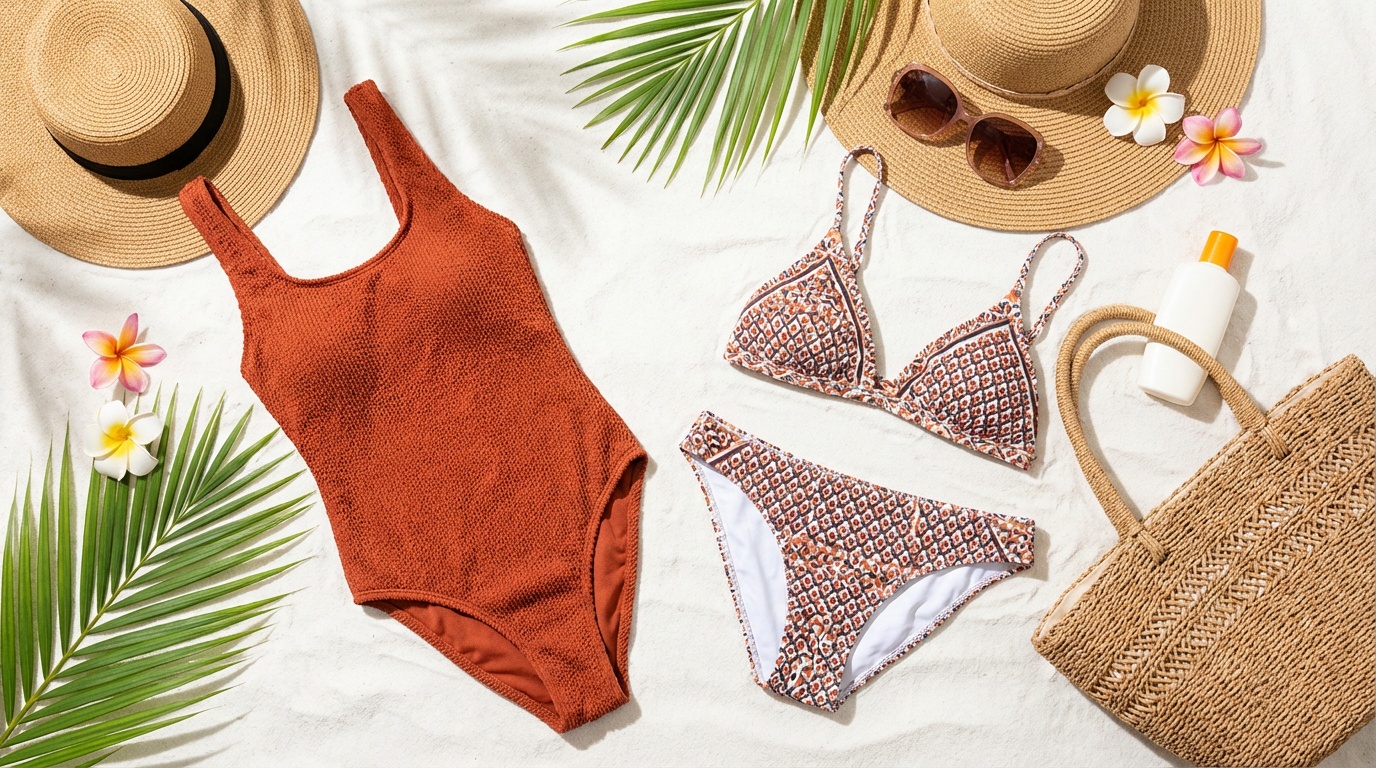
An AI clothes changer lets you try any swimwear or beach outfit on your photo in under 90 seconds. Upload your photo + any swimsuit screenshot → see a realistic result on your body. No fitting room, no returns, no guesswork. Try it free below with 3 credits included.
See any swimwear on your photo
Upload your photo + a swimsuit image. We'll take you to Looksy AI to generate your result.
No credit card · Results in 30–90 sec
Shopping for swimwear online has a well-known problem: you're buying based on how a product looks on someone else's body. Return rates for online swimwear hover around 25–30% — higher than almost any other clothing category. The main reason: it didn't look the way I imagined on me.
An AI clothes changer for swimwear solves this at the source. Instead of imagining, you upload your actual photo and a screenshot of the swimsuit you're considering — and the AI shows you wearing it in under 90 seconds. It maps the swimwear onto your body shape, preserving your skin tone, proportions, and pose.
How AI Swimwear Try-On Actually Works
The technology behind AI clothes changers is a type of generative AI model trained on hundreds of thousands of clothing-on-body images. When you upload your photo and a garment image, the model:
- Segments your body — identifies your pose, body outline, and proportions
- Maps the garment — fits the swimwear's fabric, colour, and structure onto your body shape
- Renders a new image — generates a photorealistic result that preserves your face and skin tone while replacing the outfit
The result isn't a simple overlay — the AI generates new fabric folds, lighting, and shadows that match your body's pose and the swimwear's material. A glossy bikini bottom looks different from a matte one, and the AI renders both accurately.
Best Swimwear Types to Try with an AI Clothes Changer
One-Piece Swimsuits
One-pieces are the easiest to try with AI because they're a single piece covering the torso. The AI handles cut-outs, high necklines, and tummy control panels well. If you're deciding between a v-neck and a square-neck one-piece, try both on your photo — the difference in how they frame your neckline is immediately visible.
Bikinis and Two-Piece Sets
Two-piece swimwear involves two separate garment zones — top and bottom. The AI renders them as a coordinated set. This is especially useful for bikini try-on because the proportion between top and bottom is often different from what you see on a model with a different body type.
Tankinis
Tankinis — a tank top paired with bikini bottoms — are a popular middle ground. Virtual try-on shows you exactly how much coverage the tank provides on your torso, which is often the deciding factor between a tankini and a traditional bikini.
Sports and Surf Swimwear
Rash guards, sports swimsuits, and surf tops sit differently on different body types. An athletic-cut racer-back vs. a loose board short paired with a rash guard will look completely different. AI try-on shows you the silhouette before you commit.
Cover-Ups and Beach Dresses
Mesh cover-ups, kaftan-style beach dresses, and lace-up beach skirts are harder to visualise online than swimsuits. An AI clothes changer works here too — screenshot the cover-up from the product page and see how it drapes on your frame.
Tips for the Most Accurate AI Swimwear Try-On
For Your Photo
- Use a full-body photo — swimwear reveals more of your body than regular clothes, so a full-length photo gives the AI a complete picture to work with.
- Stand front-facing — arms slightly away from your sides, natural standing pose. Avoid crossed arms or hands on hips, which hide body shape information the AI needs.
- Good lighting — natural daylight or bright indoor light. Avoid heavy shadows or backlighting that obscures your outline.
- Fitted clothing for existing outfit — wearing a tight T-shirt or leggings in your photo gives the AI a clearer body outline. Baggy clothes reduce accuracy.
For the Swimwear Image
- Product images from retailer sites work best — the swimwear should be clearly visible with the full design shown. Screenshots from ASOS, Amazon, Nykaa, H&M, or Shein product pages work perfectly.
- Front-facing model shots — if the retailer shows the swimwear on a model from the front, that view works better than side or back views.
- White or plain background — if possible, use the product's white-background image rather than a lifestyle shot where it might be harder to distinguish the swimwear from the background.
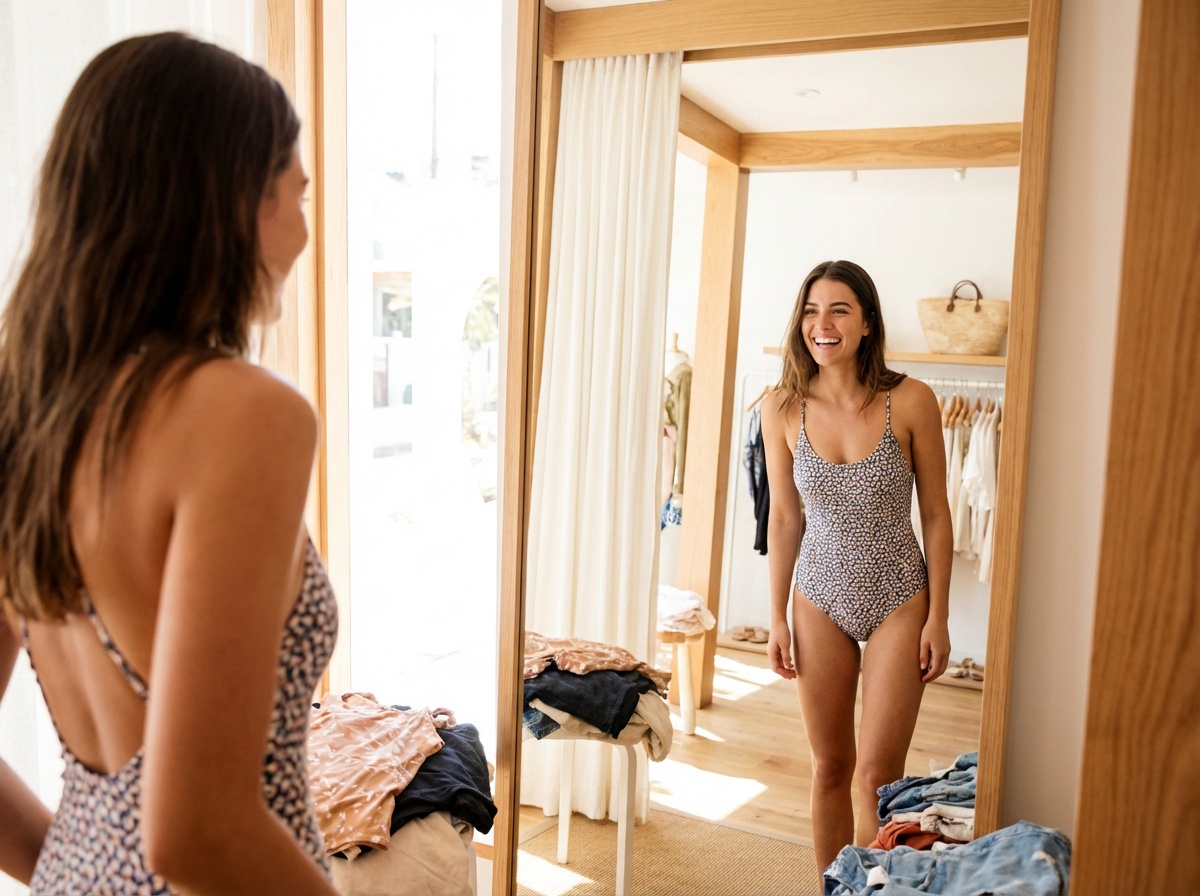
Try any swimwear on your photo instantly — no fitting room required.
AI Swimwear Try-On vs. Traditional Shopping
Here's a comparison of the three main ways to shop for swimwear:
- In-store fitting room — accurate but limited to what's in stock locally, time-consuming, hygiene concerns with shared fitting rooms
- Order online and return — convenient but involves 5–10 day wait times, return shipping, and often a partial refund or credit
- AI virtual try-on — instant, works with any swimwear from any store worldwide, no wait time, no returns needed for most choices
AI try-on won't fully replace a fitting room for final size confirmation — you'll still want to know your measurements. But for narrowing down from 10 options to 2–3, and for choosing between colours and styles, virtual try-on saves hours and reduces returns significantly.
Planning Your Full Beach Look with AI
The best use of an AI beach outfit changer isn't just trying individual swimsuits — it's building a complete beach look. Here's a practical workflow:
- Screenshot 5–6 swimsuits from your wishlist across different stores
- Try each on your photo using Looksy AI — takes about 3–5 minutes total
- Narrow down to your top 2 based on what you actually like on your body
- Try the cover-up or beach dress you're considering with each finalist swimsuit
- Order with confidence — you've already seen the full look
Try Any Swimwear on Your Photo — Free
Upload your photo and any swimsuit screenshot. See your result in under 90 seconds. No card needed.
Start Free Try-On →Where to Find Swimwear Images to Try
You can use swimwear images from virtually any online retailer. These sources work especially well:
- ASOS — large catalogue, front-facing product shots on models, easy to screenshot
- Amazon — extensive variety, solid white-background product images available
- Nykaa Fashion — good for Indian brands and modest swimwear options
- H&M / Zara — seasonal collections, on-model product photography
- Shein / Myntra — affordable options with large catalogues
You can also use swimwear images from brand websites directly, Instagram posts, or Pinterest boards — anything where the swimwear is clearly visible.
Frequently Asked Questions
Yes. The AI uses your uploaded photo to map the swimwear onto your actual body shape and proportions — not a generic model. A full-body, front-facing photo with good lighting gives the most accurate result.
Yes. Screenshot any swimsuit from any retailer — ASOS, Amazon, H&M, Nykaa, Shein, or any brand's website. The AI works with any swimwear product image you upload.
It's free to try, with no credit card required. After that, credits are available through weekly, monthly, and yearly plans.
Yes. The AI adapts to any body type from your uploaded photo. It doesn't force the swimwear onto a standardised body — it maps to your actual proportions.