How to See Bikini Styles on Your Body Before Buying — Virtual Try-On Guide
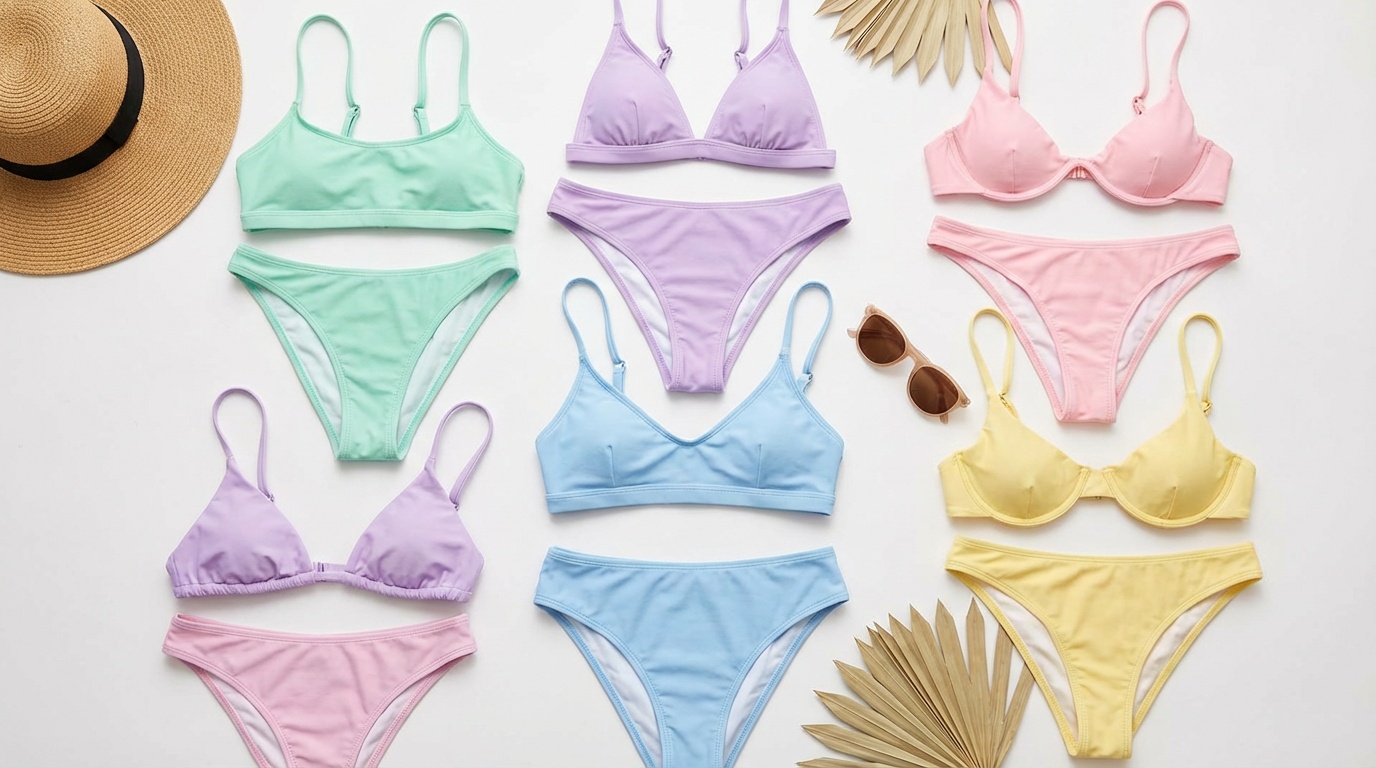
You can try on any bikini style on your actual photo before buying using an AI virtual try-on tool. Upload your photo + any bikini screenshot → see it on your body in under 90 seconds. Different bikini styles flatter different body types — this guide covers which styles work best and how to try them on for free.
See any bikini on your photo
Upload your photo + a bikini image. We'll open Looksy AI to show you the result.
No credit card · Results in 30–90 sec
Buying a bikini online is a gamble most people have lost at least once. It looked perfect on the model. It arrived and looked nothing like what you imagined on your body. The cut was different, the proportions didn't work, the colour didn't suit your skin tone.
AI virtual try-on changes this equation. You upload your own photo and any bikini image, and an AI shows you wearing it — on your actual body, in your skin tone, with your proportions. This guide covers how to use it, which bikini styles work best for different body types, and how to get the most accurate results.
Step-by-Step: How to Try On a Bikini Online
- Find bikinis you like — browse ASOS, Amazon, H&M, Shein, Nykaa, or any retailer. Screenshot the ones you want to try.
- Take or select your photo — a full-body, front-facing photo in fitting clothes (not baggy). Good lighting is key.
- Open Looksy AI — go to looksyai.in, upload your photo and the bikini screenshot.
- Generate your try-on — click Generate. Your result is ready in 30–90 seconds.
- Compare and decide — try multiple styles side by side. Order the one that actually looks good on you.
You can also use the playground above to upload your files first — it'll carry them over to Looksy AI automatically.
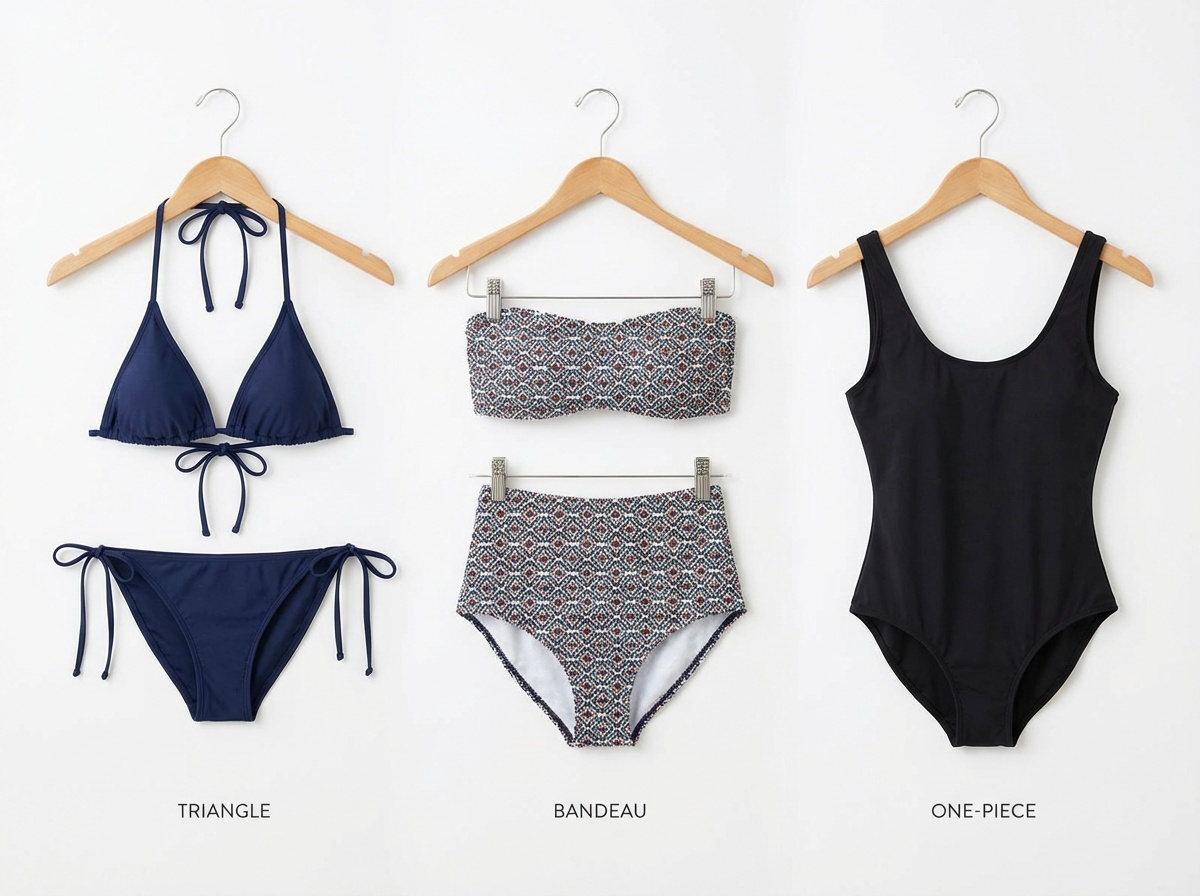
Triangle, bandeau, and one-piece cuts — try any style on your photo before ordering.
Bikini Styles and What to Look For
Triangle Bikinis
The classic triangle bikini is adjustable, minimal, and timeless. The top provides less coverage but more adjustability — you can tie tighter or looser. Virtual try-on is especially useful here because the visual weight of the triangle shape varies significantly based on how it sits on your chest. Try it on your photo to see if the proportions feel right before ordering.
Bandeau and Strapless Tops
Bandeau bikinis look clean and minimal but work differently on different chest sizes. On a fuller bust, a bandeau without underwire can gap or shift. On a smaller bust, it can look elegantly minimal. Trying it on your photo first tells you which category you fall into — saving you from an uncomfortable surprise.
Underwire and Structured Tops
Underwire bikini tops provide more support and shaping. They tend to work well across bust sizes. The virtual try-on helps you see how structured top silhouettes compare to unstructured ones on your specific frame.
High-Waist Bottoms
High-waist bikini bottoms are one of the most body-type-specific styles. They visually create a waist on rectangular frames, provide tummy coverage, and can elongate the legs. But the rise and fit look very different depending on your torso length and hip ratio. Trying them on your photo before buying is especially valuable here.
Brazilian-Cut Bottoms
Brazilian-cut bikini bottoms show more of the back and hip. The coverage difference from a standard cut to a Brazilian cut is significant — and how it looks on your body depends heavily on your hip and glute shape. AI try-on shows you exactly how much coverage you'll have before committing.
Mix-and-Match Sets
One of the best uses of bikini virtual try-on: testing mix-and-match combinations. Try a triangle top from one brand with high-waist bottoms from another. See how different prints coordinate. Mix colours. The AI renders the full two-piece outfit as a coordinated set.
Colour and Print: Why Try-On Matters More Than You Think
Colour theory in swimwear is real. A neon yellow that looks vibrant on a light-skinned model can wash out certain complexions. A deep navy that looks stunning on one skin tone can look flat on another. Patterned prints — florals, stripes, geometric — scale differently depending on the size of the person wearing them.
When you try a bikini on your photo, you see the colour against your actual skin tone under the lighting conditions of your photo. This single factor alone reduces returns significantly — you're no longer guessing whether a colour "suits" you.
Try Any Bikini on Your Photo — Free
Upload your photo + any bikini screenshot. See it on your body in under 90 seconds.
Try Bikini Virtual Try-On →Tips for the Best Bikini Try-On Results
- Use a full-body photo — bikinis cover less, so the AI needs to see your full silhouette for an accurate result. Half-body shots can work but full-body is better.
- Front-facing pose — arms at your sides or slightly forward. Avoid turned poses for the most accurate bikini mapping.
- Product images from the retailer — the cleaner the bikini product image (especially on a white background or clear model shot), the better the AI result.
- Try the same bikini in multiple colours — if a bikini comes in 6 colours, try them all on your photo. It takes under 10 minutes and you'll be certain about which colour flatters you most.
- Compare top and bottom separately — if you're building a mix-and-match set, try different top options with the same bottom to narrow down.
Frequently Asked Questions
Yes. Upload your photo and any bikini screenshot to Looksy AI and see a realistic AI-generated try-on result on your body. It's free to try, with no credit card required.
A full-body, front-facing photo with good lighting and fitting (not baggy) clothes. Natural light or bright indoor lighting works well. A plain background is ideal but not required.
Yes. The AI adapts to your body shape from your photo — it doesn't use a generic model. Upload your own photo for a personalised, accurate result regardless of body type or size.