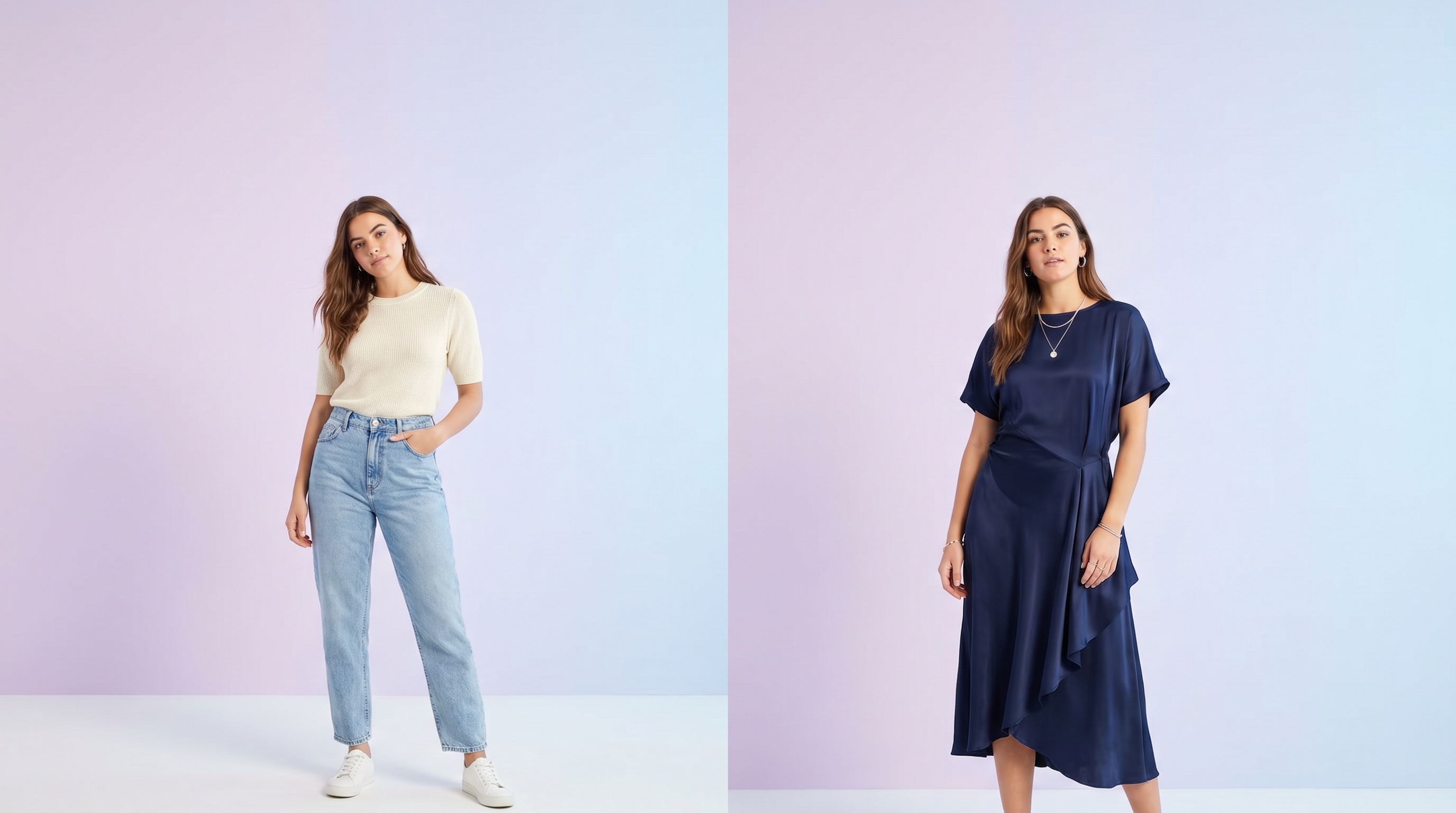
An AI clothes changer lets you swap the outfit in any photo without a fitting room, a photographer, or editing software. You upload one picture of yourself and one picture of the clothing you want to wear, and the AI renders you in the new outfit — your face, hair, skin tone, and pose stay exactly the same. Only the clothes change.
Looksy AI works with anything you can screenshot or save: a dress from an online store, a jacket from a magazine, a Pinterest outfit, or a look from a friend's photo. In under a minute you see how the clothing actually fits your body — not a model's — so you can decide before you buy.
How to Change Clothes on a Photo with AI
Upload Your Photo
A clear, well-lit half-body or full-body photo works best. Stand facing the camera with a clean background.
Upload the Outfit
Screenshot any outfit from ZARA, H&M, SHEIN, ASOS, Myntra, Amazon, or your gallery. The clearer the garment, the better the result.
Generate
Hit change. In 30 to 90 seconds you see yourself in the new clothes. Download, share, or try another outfit.
What You Can Change
Tops & Shirts
Swap t-shirts, blouses, crop tops, sweaters, hoodies, and button-downs. See how a colour or cut works on your frame before buying.
Dresses & Gowns
Party dresses, cocktail dresses, wedding gowns, sundresses, and traditional dresses — try the full silhouette on your photo.
Bottoms & Denim
Jeans, trousers, skirts, shorts, and cargo pants. Check the fit and wash against your body type.
Jackets & Outerwear
Blazers, leather jackets, coats, and bombers. See how layers fall before committing to a pricey piece.
Suits & Formalwear
Test suits, tuxedos, and formal sets for weddings, interviews, and events without booking a tailor.
Traditional & Cultural Wear
Sarees, lehengas, kurtas, abayas, hanbok, and kimono — the AI handles drape and detail for cultural outfits too.
Why People Use an AI Clothes Changer
Online clothing return rates run around 30% — and the number one reason is "it didn't look like I expected." A virtual clothes changer fixes that at the source: you see the outfit on your own body before the order is placed. Shoppers use it to cut returns, plan event outfits, test trends risk-free, and create content for TikTok, Instagram, and lookbooks without buying physical clothing first.
Tips for the Best Results
- Use a front-facing photo with your arms slightly away from your body so the AI can read your outline cleanly.
- Pick clean product images — a garment on a white background outperforms a busy lifestyle shot.
- Match the photo framing to the garment — full-body shots for dresses and trousers, half-body for tops and jackets.
- Try several colours of the same item to see which flatters you most.
Frequently Asked Questions
Yes — free to try, with no credit card. Sign in with Google to start immediately.
Yes. The AI preserves your face, hair, skin tone, body shape, and pose. Only the clothing changes.
No. It runs in your browser on desktop, iPhone, and Android. An optional iOS and Android app is available if you want more credits.
Yes. Photos are processed only to generate your result and are never sold or shared. You can request deletion any time.