AI Creator Tools In Looksy

Animate a still photo into motion without reshooting

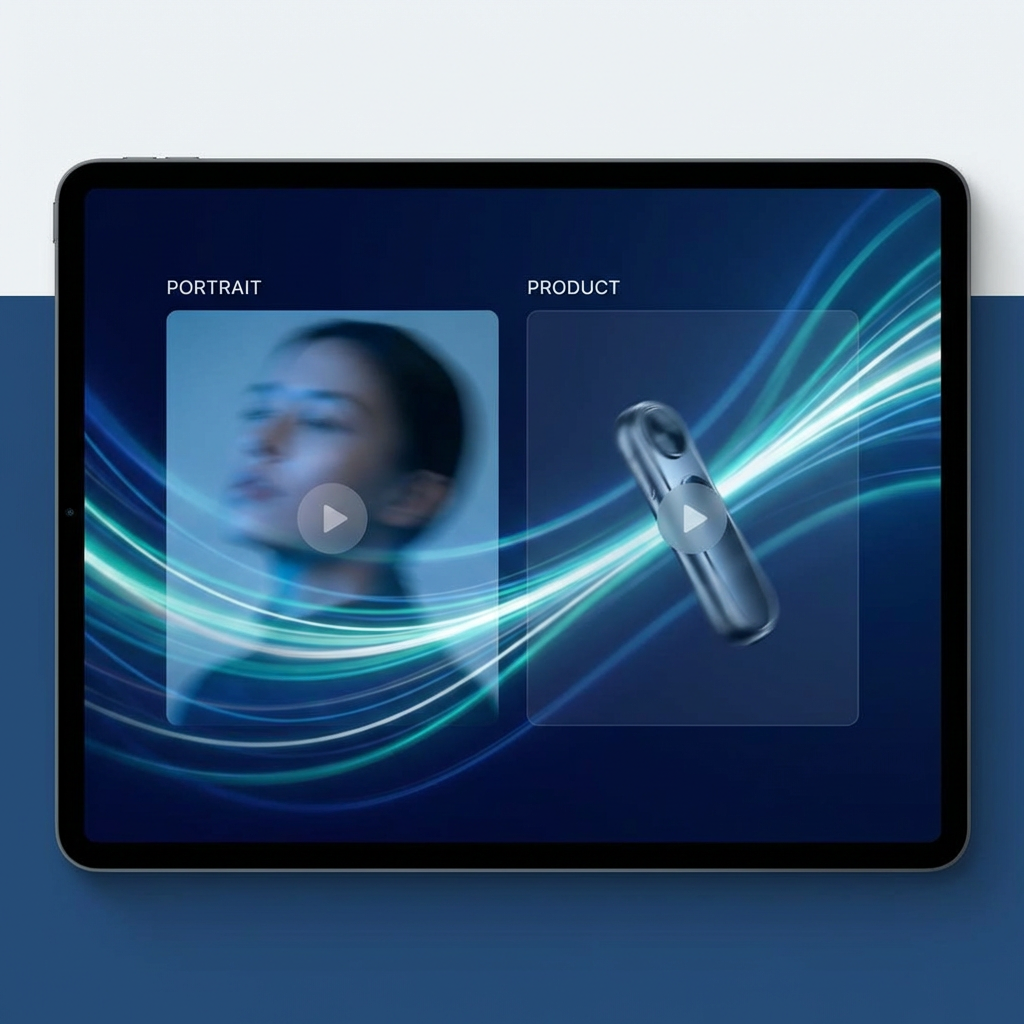
Looksy image to video helps users take a strong still image and turn it into a short motion clip. That is useful for product animations, portrait movement, creator posts, landing page motion, and fast ad experiments.

Photo to video workflow Animate product and portrait images Better for continuity than prompt-only video
Looksy AI image to video animation artwork
Animate still images Keep the original frame Create short motion clips
Playground Preview

Upload a still image and define the motion

Image to video pages perform best when they show continuity: the source image stays recognizable, but motion, depth, and camera movement make it feel alive. That is the behavior users expect here.

The best prompts explain how the image should move, not just what the image contains.
Animated Preview Image to video preview concept
Continuity firstThe still image stays recognizable, which is why this workflow feels more controlled.
Better for product motionGreat for turning static catalog and campaign visuals into more dynamic clips.
Works for portraits tooAdd motion cues without filming new footage from scratch.

Why image to video is its own search category

People looking for image to video already have a usable frame. They do not need a model to invent the whole scene. They need a tool that respects the source image and gives it motion.

That distinction matters because it changes the page intent. This feature should be positioned around continuity, animation, and bringing still visuals to life, not around generic video generation only.

Keep the original look

The source image acts as the visual anchor, which is ideal for products, portraits, and approved campaign assets.

Turn static visuals into clips

Make landing pages, ads, stories, and reels feel more dynamic without rebuilding the design.

Useful for social and brand teams

Motion can come from existing still assets instead of requiring a full video shoot every time.

Best image to video use cases

Product motion

Animate ecommerce shots, beauty stills, packaging renders, and hero products into more premium clips.

Portrait animation

Add subtle motion to portraits, creator thumbnails, fashion editorials, and character visuals.

Artwork and poster movement

Bring static illustrations and concept frames into motion with parallax, particles, and cinematic camera cues.

How to get better image to video results

1

Start from a strong frame

A clean composition gives the animation more structure and makes motion feel more believable.

2

Describe movement clearly

Use words like pan, push-in, rotation, float, subtle motion, or cinematic drift instead of vague style terms only.

3

Keep the action simple

One clean movement direction usually works better than trying to force a full narrative into one short clip.

4

Use the clip downstream

The output works well for ad drafts, social posts, product launches, website headers, and motion references.

Image to video animation concept artwork

Image to video intent is about animation, not invention

Users are searching for animate photo, turn image into video, or create movement from a still image because they want to preserve the underlying visual while adding motion. That is the search intent this page is built around.

It also fits nicely with the rest of the Looksy site. Users can create or edit an image first, then turn it into a motion asset in the next step.

Image to video FAQ

What does image to video AI do?

It turns a still image into a short animated clip by adding motion, depth, and camera movement while keeping the original frame as the visual base.

What images work best?

Clear portraits, product shots, artwork, and strong compositions usually produce better results than blurry or cluttered images.

Why use image to video instead of text to video?

Image to video is better when you already have a visual you want to preserve. It gives more continuity and brand consistency.

Can this help with ads and websites?

Yes. It can turn static assets into motion for landing pages, product teasers, social posts, and paid media concepts.