AI Creator Tools In Looksy

Text to image for fast visual ideas and polished drafts

Looksy now includes text to image generation inside the app, so you can turn a prompt into portraits, campaign concepts, backgrounds, product scenes, thumbnails, and social-ready visuals without opening a design tool first.

Prompt to image workflow Concepts, ads, and creator assets Available in the app
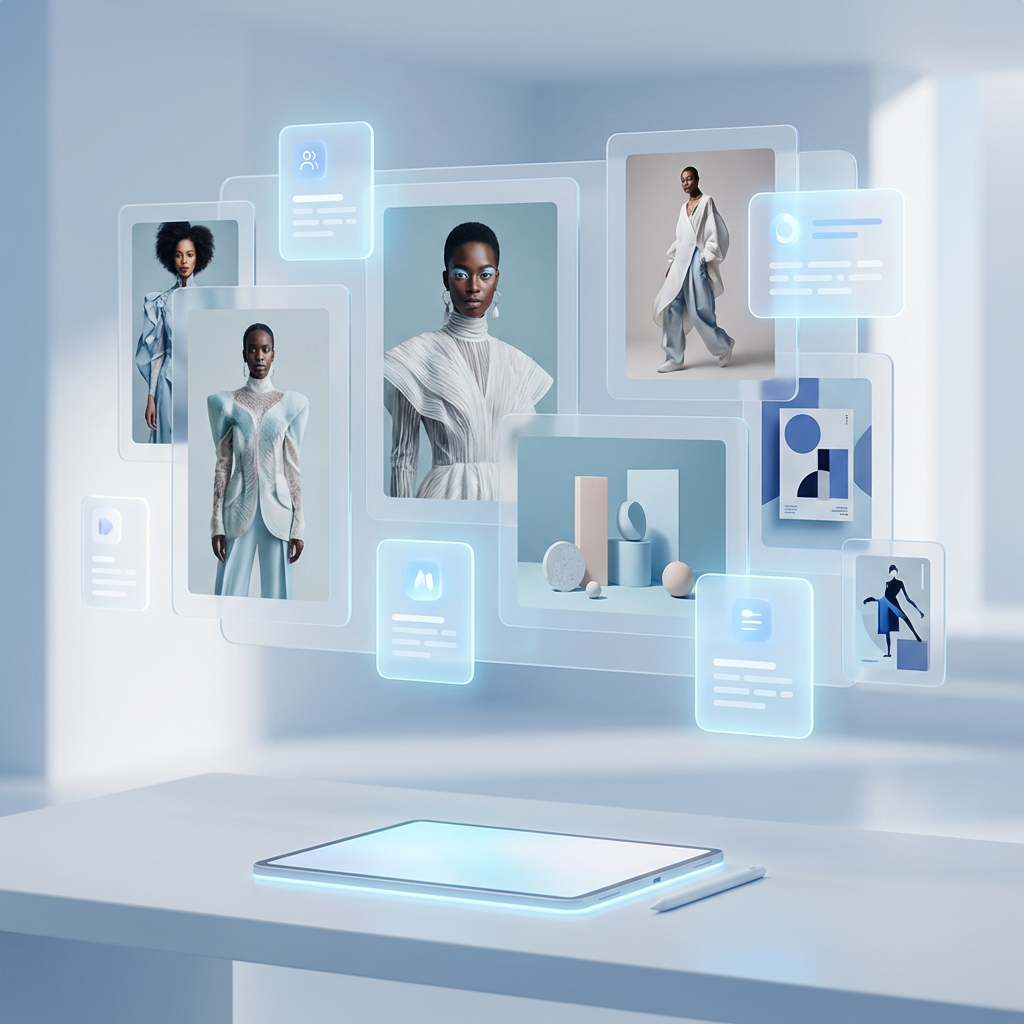
Looksy AI text to image concept artwork
Prompt-led creation Style and mood control Fast visual iteration
Playground Preview

Describe the shot you want to create

This is the workflow users expect from strong text to image pages: a clear prompt box, quick style controls, and a visual result area. The actual generation lives inside the Looksy app, but this page shows the experience and what the tool is for.

Use this workflow inside Looksy to turn prompts into polished images faster.
Generated Preview Text to image preview concept
Prompt claritySubject, style, camera feel, and lighting give the best results.
Fast iterationsGenerate several directions before choosing one to refine.
Creator-readyUseful for drafts, campaign planning, thumbnails, and brand moodboards.

What text to image is actually useful for

High-ranking text to image pages do not just say “type a prompt and get an image.” They frame the workflow around outcomes: create campaign concepts, visual references, brand drafts, creative experiments, and production starting points. That is the right positioning for Looksy too.

With Looksy text to image, users can move from an idea to a visual draft in one step. Instead of waiting for a photoshoot, scrolling stock libraries, or mocking a rough idea manually, they can generate first-pass visuals inside the app and refine from there.

From words to visuals

Describe the subject, look, angle, and mood to turn a plain idea into a usable image draft.

Built for iteration

Test several directions quickly before locking one concept for content, design, or marketing.

More than AI art

Use it for commerce mockups, social content, campaign ideation, and internal creative references.

Where Looksy text to image fits best

Ads
Generate rough campaign directions before production budgets get involved.
Posts
Create concept visuals for social media, stories, launch teasers, and thumbnails.
Mocks
Build product scenes, packaging ideas, background plates, and hero image references.

How to get better text to image results

1

Start with the subject

Name the object, person, scene, or product first so the model has a clear anchor.

2

Add style direction

Specify photoreal, editorial, poster, beauty shot, illustration, or cinematic concept.

3

Control the mood

Lighting, color palette, and camera feel usually matter more than extra adjectives.

4

Generate variants

The fastest workflow is comparing several outputs, then refining only the strongest direction.

Text to image use cases inside the app

Product campaigns

Create launch concepts, ecommerce hero scenes, beauty still lifes, and premium merchandising drafts.

Creator content

Generate thumbnails, visual hooks, story backgrounds, moodboards, and social-first post assets.

Brand exploration

Try visual directions for packaging, poster design, seasonal drops, or new category campaigns.

Generated text to image example for product and campaign concepts

Why this page should rank for text to image intent

Pages that rank in this category usually combine the core keyword with practical intent: create images from prompts, test styles, generate ideas faster, and use the tool across real content workflows. That is why this page focuses on outcomes and not only on the model itself.

For Looksy, this also broadens the brand story. Users already know the app for outfit generation and virtual try-on. These pages now make it clear that Looksy also includes a wider AI creator toolkit.

Text to image FAQ

What does text to image AI do?

It converts a written prompt into a generated image. You describe what you want to see, and the model produces a visual draft based on that text.

Is text to image only for art styles?

No. It is useful for realistic product scenes, portraits, campaign mockups, thumbnails, brand concepts, and social content planning too.

How detailed should my prompt be?

Enough to define the subject, the style, and the mood. Clear prompts usually outperform very long prompts stuffed with unrelated descriptors.

Can I use Looksy text to image for brand and creator work?

Yes. The workflow is well suited to early-stage visuals for creators, marketers, founders, and teams that need faster visual iteration.