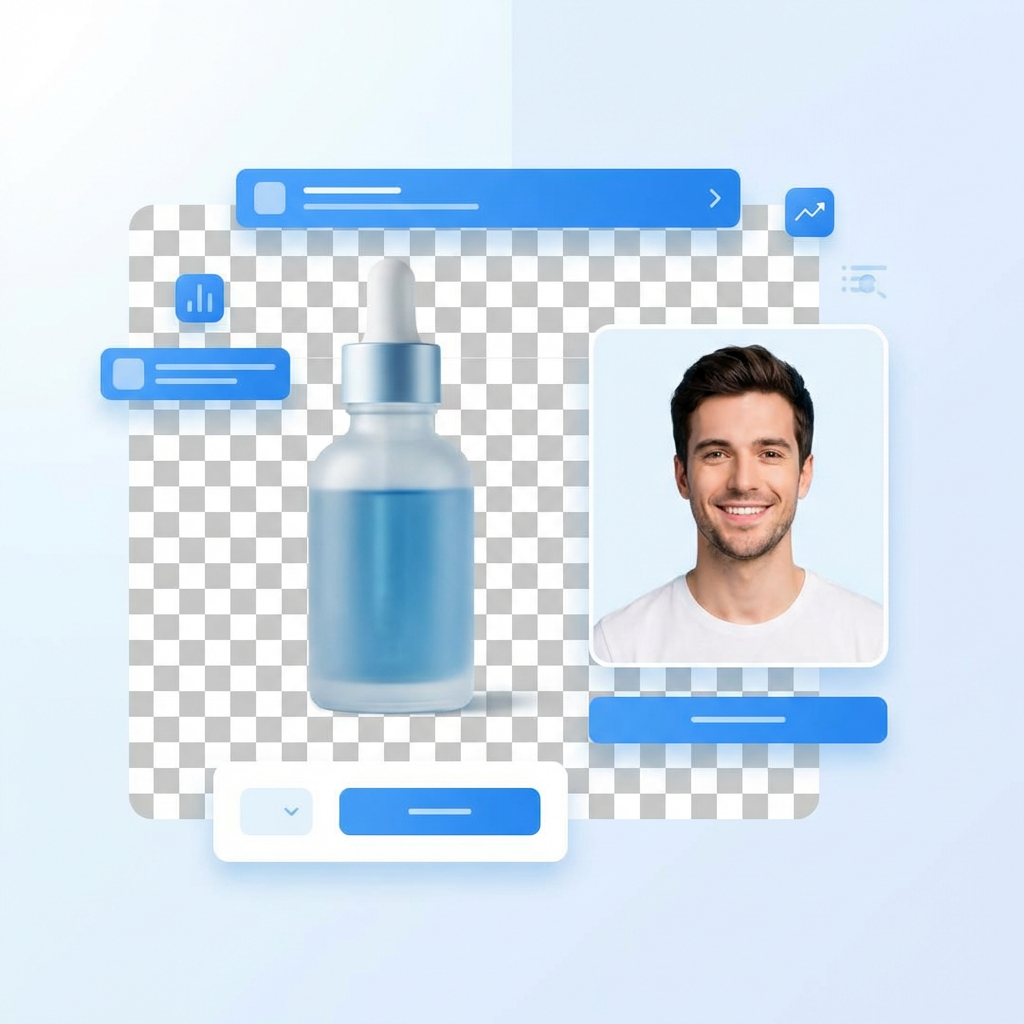
AI Background Remover · Free Online

AI Background Remover — create clean transparent PNGs in seconds

Upload any photo and let Looksy AI automatically detect the subject, erase the background, and give you a crisp transparent PNG cutout. Perfect for product listings, portraits, profile pictures, and design workflows.

1. Upload & Remove Background
Upload your image
Product, portrait, or any photo with a clear subject
JPG · PNG · WebP · up to 20MB
Removing background…

AI background remover before and after — cluttered cafe background removed to a clean transparent PNG cutout with Looksy AI
1-ClickAutomatic cutout
PNGTransparent output
5sAvg. time
FreeTry online

Best uses for the Looksy AI Background Remover

Product listings

Clean white-background or transparent product photos for Amazon, Shopify, Etsy, and Meesho catalogs.

Profile & creator shots

Cut out the subject for profile pictures, YouTube thumbnails, channel art, and branded graphics.

Design & presentations

Prepare assets for posters, moodboards, slide decks, and later AI editing workflows.

Marketplace imagery

Consistent white backgrounds help listings look trustworthy and comparable to competitors.

Social content

Drop cutouts into Instagram stories, reels, Pinterest pins, and TikTok overlays without manual masking.

AI photo restyling

Use a clean cutout as the base for AI background replacement, outfit swapping, or scene generation.

How to remove a background — step by step

1

Upload your image

Drag-and-drop or pick a JPG, PNG, or WebP file. Portraits, products, and objects all work.

2

Click Remove Background

The Looksy AI detects the subject — including hair edges — and separates it from the background.

3

Preview the cutout

See the transparent PNG appear in the same zone with a checker pattern showing the alpha channel.

4

Download the result

Continue inside the Looksy iOS or Android app to save the full-resolution transparent PNG.

AI Background Remover FAQ

What does an AI background remover do?

It detects the main subject in an image and removes the surrounding background automatically — the output is a transparent PNG or a cleaner isolated subject you can drop onto any new backdrop.

Is the Looksy background remover free?

Yes. You can upload an image and remove the background online for free. Higher-resolution exports and batch processing are available inside the app.

Can I use it for product photos?

Yes — it is ideal for ecommerce and marketplaces that need clean subject isolation for better listings and conversion.

Does it work for portraits and hair?

Yes. Portrait cutouts preserve hair edges, glasses, and fine details. Perfect for profile images and creator graphics.

What image formats are supported?

JPG, PNG, and WebP input. Output is always a transparent PNG. Recommended input size is 512 px or larger on the short edge.

Can I process multiple images at once?

Batch processing is available inside the Looksy mobile app. The web tool processes one image at a time.