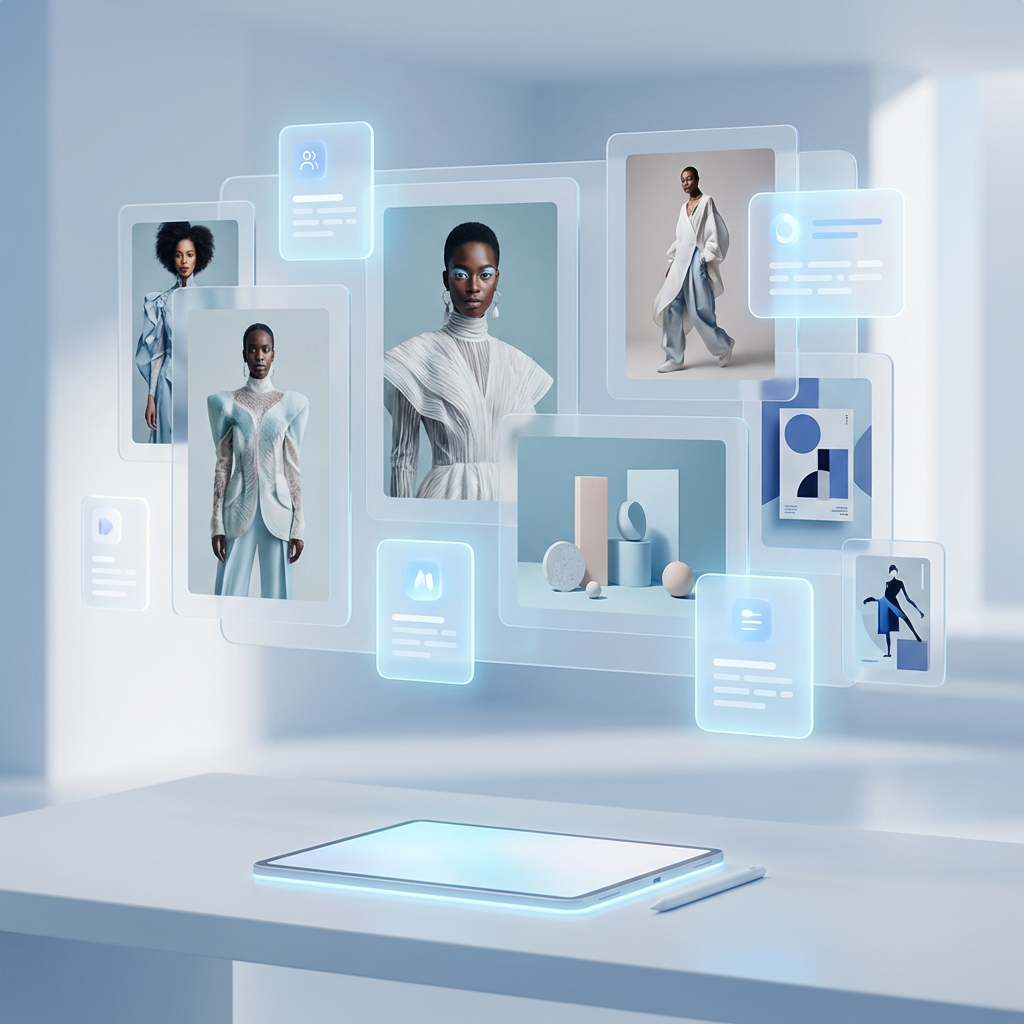
Turn any prompt into a stunning visual in seconds
Describe what you want to see — a portrait, product scene, poster, thumbnail, or campaign concept — and the Looksy AI generates a polished image draft ready to share or refine.
How to get better text to image results
Start with the subject
Name the object, person, scene, or product first so the model has a clear anchor.
Add style direction
Specify photoreal, editorial, poster, beauty shot, illustration, or cinematic concept.
Control the mood
Lighting, color palette, and camera feel usually matter more than extra adjectives.
Generate variants
The fastest workflow is comparing several outputs, then refining only the strongest direction.
Text to image use cases inside the app
Product campaigns
Create launch concepts, ecommerce hero scenes, beauty still lifes, and premium merchandising drafts.
Creator content
Generate thumbnails, visual hooks, story backgrounds, moodboards, and social-first post assets.
Brand exploration
Try visual directions for packaging, poster design, seasonal drops, or new category campaigns.
Text to image FAQ
It converts a written prompt into a generated image. You describe what you want to see, and the model produces a visual draft based on that text.
No. It is useful for realistic product scenes, portraits, campaign mockups, thumbnails, brand concepts, and social content planning too.
Enough to define the subject, the style, and the mood. Clear prompts usually outperform very long prompts stuffed with unrelated descriptors.
Yes. The workflow is well suited to early-stage visuals for creators, marketers, founders, and teams that need faster visual iteration.