Coming to Looksy AI at Google I/O 2026

Gemini Omni — Google's unified AI video model with native audio sync

One Gemini-powered system that generates video, images and synchronized audio from text, image and video prompts. Drop in a prompt and see how Gemini Omni handles the entire scene in one pass.

1. Describe the scene

3 free generations · sign in with Google · 30–90 second results

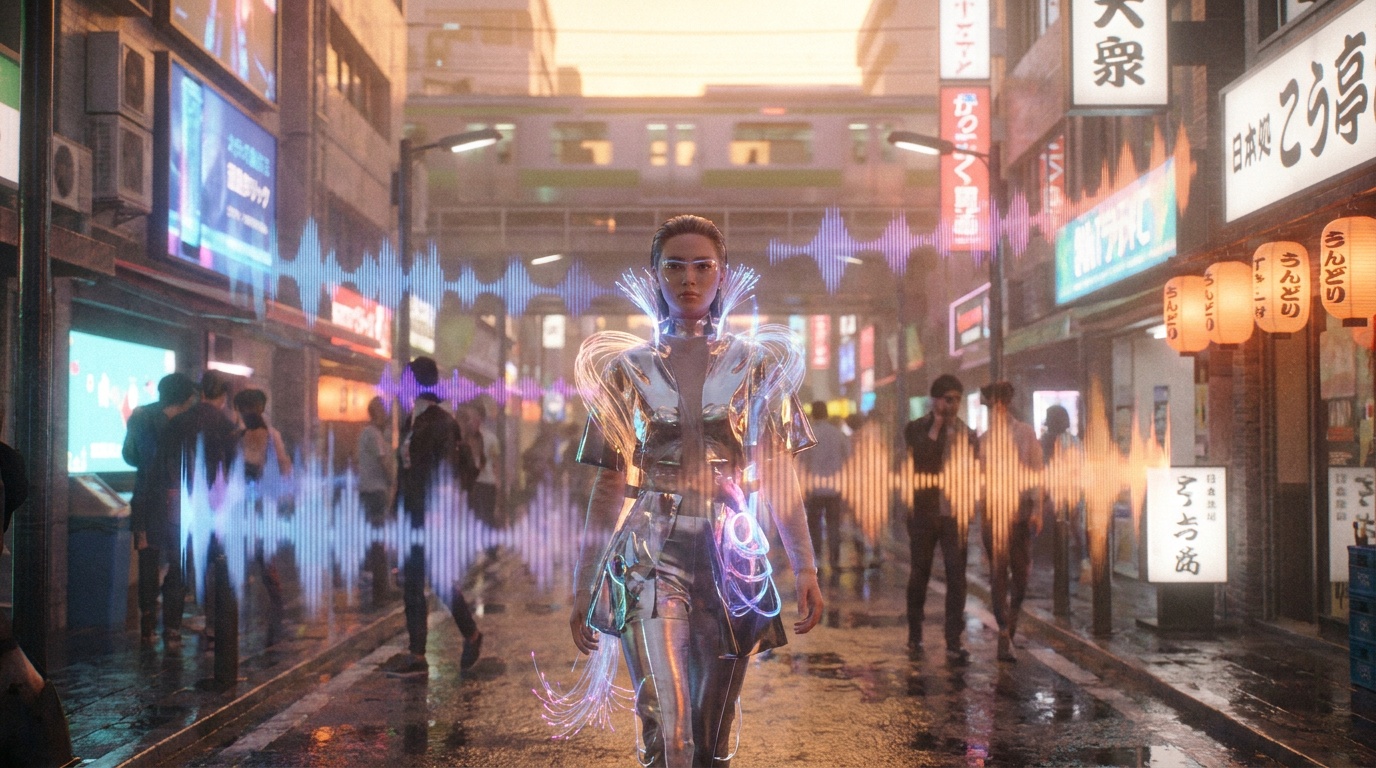
Cinematic AI video frame by Gemini Omni — neon Tokyo street with synced audio waveforms
OmniVideo + image + audio
1080pUp to HD output
5–10sClip length
NativeSynced audio

What you can create with Gemini Omni

From scroll-stopping social ads to atmospheric music videos to cinematic travel reels — Gemini Omni handles every visual style with director-level control and audio that is locked to the picture out of the box.

Luxury product advertisement generated with Gemini Omni AI video model
Product ad
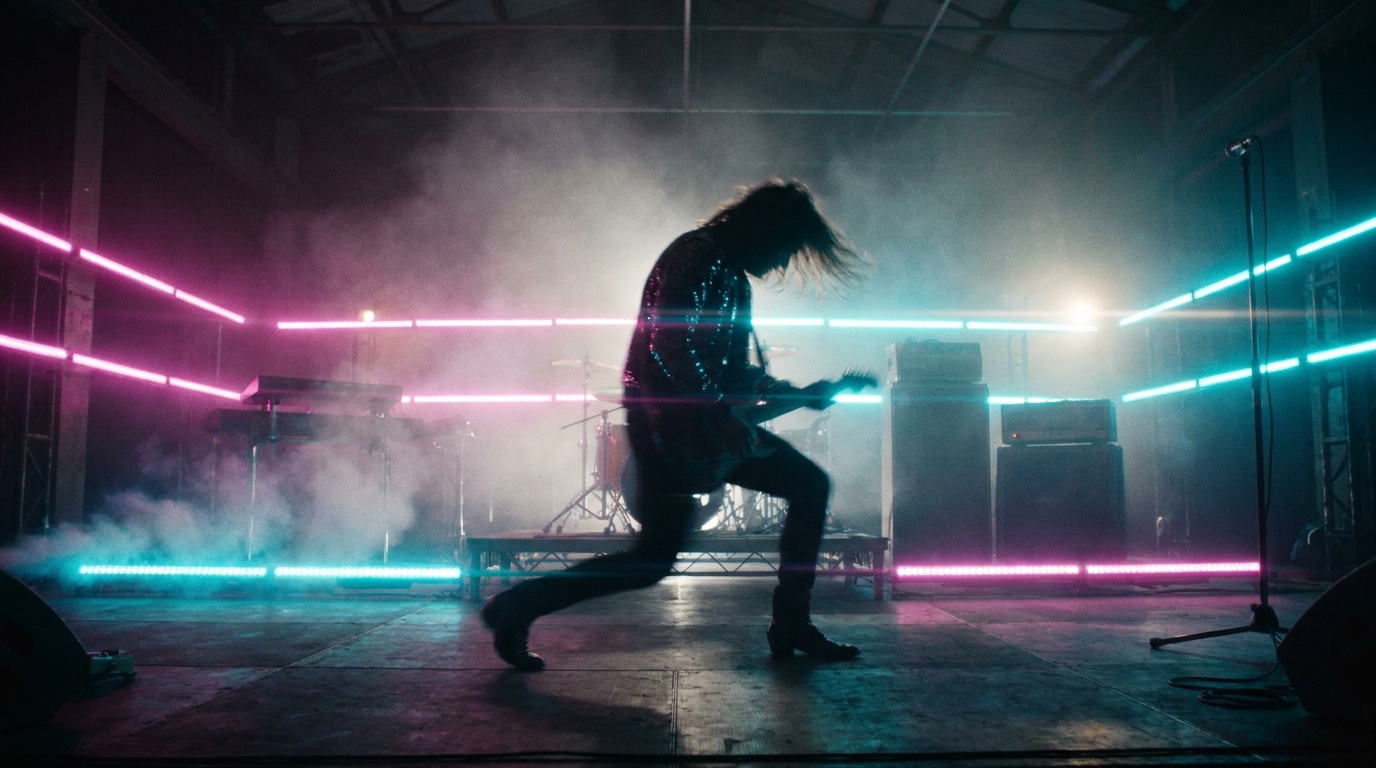
Cinematic neon-lit music video scene generated with Google Gemini Omni
Music video
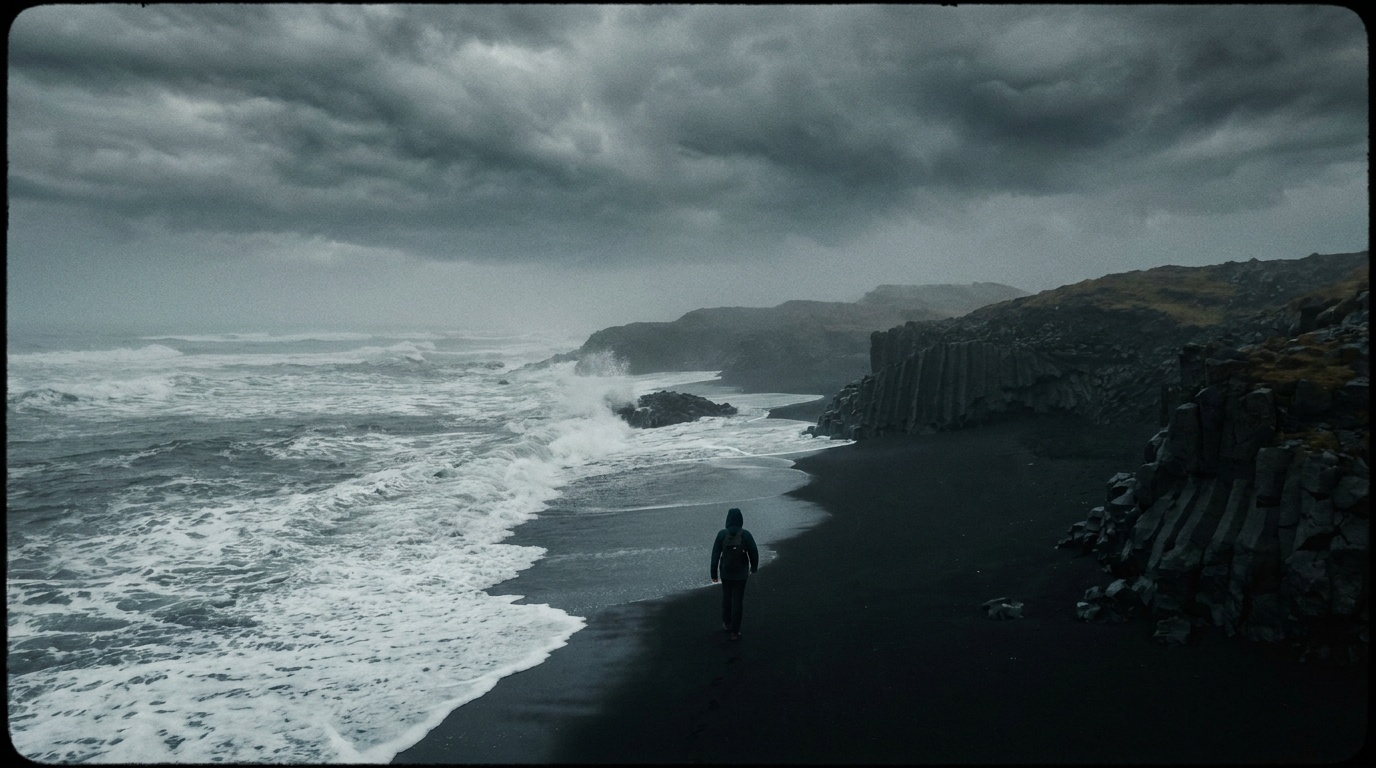
Atmospheric travel reel aerial drone shot generated with Gemini Omni
Travel reel

What makes Gemini Omni different

Most AI video models — Veo, Sora 2, Seedance 2.0, Kling — are specialised systems that do one job: video out of a text or image prompt. Gemini Omni takes a different bet. It is a single Gemini-trained model that handles text reasoning, image generation, video generation and native audio synthesis in the same architecture.

That unification is the whole point. One prompt produces a cinematic clip with matching frames and synced sound, no stitching across apps. And because Gemini Omni inherits Gemini's long context, your prompts can be longer, layered and conversational — describing camera moves, mood, dialogue and sound design in one connected brief.

True omni-model

Video, image and audio generation under one Gemini architecture — not three tools glued together.

Native synced audio

Footsteps land on the beat, dialogue lines up with mouth movement, ambient sound matches the scene on the first export.

Long-context prompting

Describe characters, camera, lighting, pacing and audio in one rich brief. Gemini's language layer reads it as a single story.

Gemini Omni at a glance

Omni-model
Video, image and audio in one Gemini-powered system.
5–10s
Selectable clip lengths of 5, 8 or 10 seconds per generation.
Up to 1080p
480p, 720p and 1080p outputs across 16:9, 9:16 and 1:1.
Native audio
Synced ambient sound, music and dialogue in a single pass.

How to create with Gemini Omni in Looksy AI

1

Describe the scene

Write one long, layered prompt — subject, mood, camera move, lighting, dialogue and the sound you want to hear.

2

Add references

Drop in reference images, short video clips or audio tracks to lock a character, motion style or musical beat.

3

Generate with synced sound

Gemini Omni produces a 5–10 second clip with native audio already aligned to the picture — no separate mixing step.

4

Export and post

Download from the Looksy app and post straight to Reels, Shorts, TikTok, ads or landing-page hero loops.

Gemini Omni use cases

Product ads with sound design

Hero shots, packaging reveals and lifestyle cuts that ship with ambient audio already locked to the visual rhythm.

Reels, Shorts & TikToks

9:16 vertical clips with beat-synced motion and on-mic dialogue — perfect for scroll-stopping social.

Music videos

Reference a track and let Gemini Omni cut visuals that hit on the beat, with consistent characters across shots.

Cinematic short films

Combine 10-second omni-clips into multi-shot sequences with continuous lighting, characters and audio bed.

Landing-page hero loops

Loopable 16:9 cinematic clips for SaaS, fashion and DTC sites — atmospheric, branded and silent-friendly.

Explainers & tutorials

Turn a script into a narrated visual sequence with lip-synced dialogue and matching ambient sound design.

Gemini Omni vs Veo, Sora 2, Seedance 2.0 & Kling

Quick comparison of the leading AI video models in 2026 and where Gemini Omni's unified architecture fits in.

Model Maker Architecture Native audio Clip length
Gemini Omni Google Unified omni-model (video + image + audio) Yes — synced in one pass 5 / 8 / 10s
Veo 3.1 Google Specialised video model Yes Up to ~8s
Seedance 2.0 ByteDance Specialised multi-modal video model Yes Up to 15s per shot
Sora 2 OpenAI Specialised video model Yes Up to ~20s
Kling V3.0 Kuaishou Specialised video model Limited Up to ~10s

Gemini Omni FAQ

What is Gemini Omni?

Gemini Omni is Google's new unified AI video model. Built on the Gemini architecture, it generates video, images and synchronized audio from text, image and video prompts — in one system, on one workflow.

When does Gemini Omni launch?

The Gemini Omni model was spotted inside Google's Gemini app in May 2026 and is widely expected to be announced at Google I/O 2026 (May 19–20). Looksy AI will integrate it for creator workflows as soon as Google opens public access.

What inputs does Gemini Omni accept?

Text prompts, reference images, reference video clips and reference audio. You can combine them in one generation to control subject identity, camera motion, visual style and sound design.

Does Gemini Omni generate sound?

Yes — that is the entire point of the omni design. Ambient audio, music and dialogue with lip-sync are produced in the same pass as the video, locked to the visual rhythm.

How is Gemini Omni different from Veo or Seedance?

Veo and Seedance are specialised video-only models. Gemini Omni is a true omni-model: video, image and audio in a single Gemini-trained system, with long-context prompting from Gemini's language layer.

How long are Gemini Omni videos?

5, 8 or 10 seconds per generation. You can chain multiple clips inside Looksy AI for longer cinematic sequences.

Can I try Gemini Omni for free?

Yes — Looksy AI offers free generation credits at launch. Download the Looksy app on iOS or Android to get notified when Gemini Omni goes live in the in-app video studio.